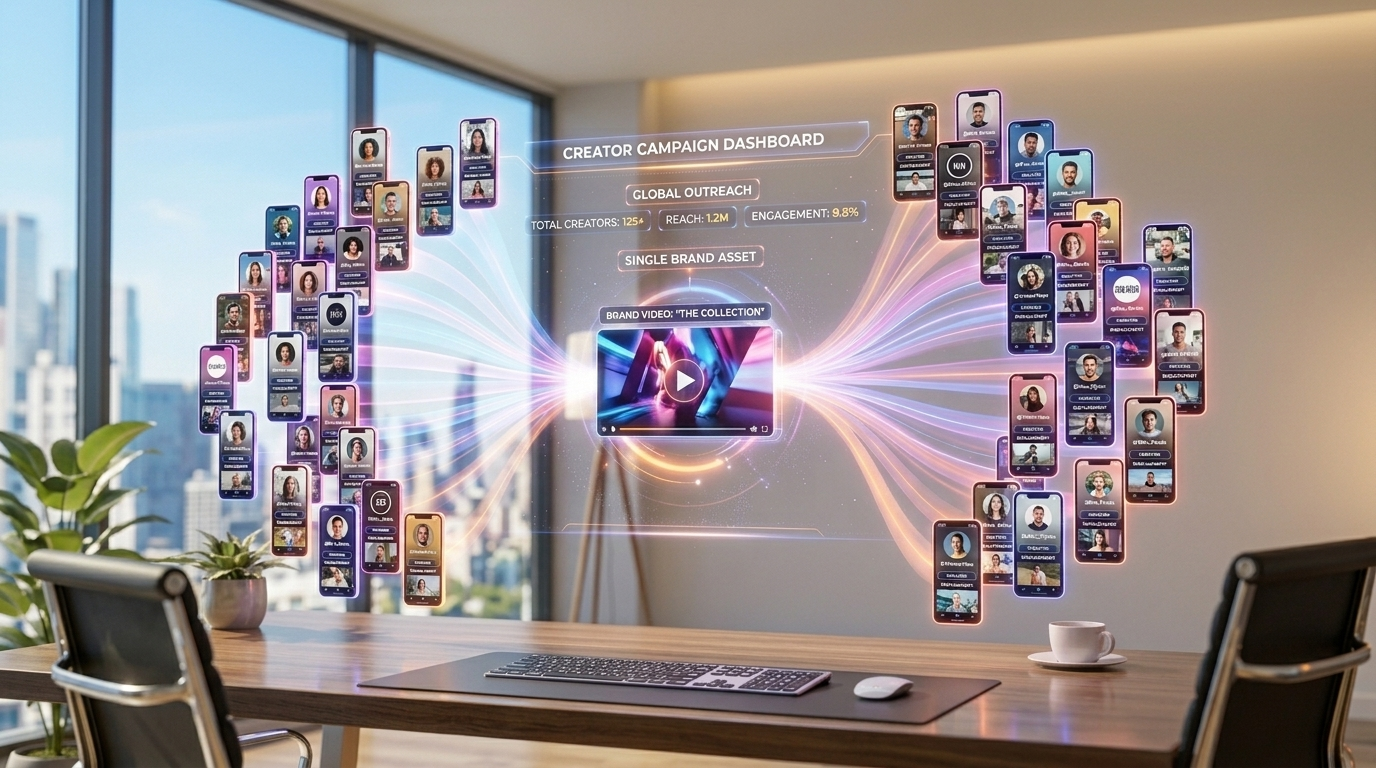
Getting a product in front of buyers used to mean one expensive influencer deal at a time. Clipping flips that model: dozens of creators make short clips showing your product in action and post them across TikTok, Shorts and Reels, and you only pay for the verified views they generate. It works for SaaS, mobile apps, ecommerce brands and digital products — and it is especially powerful around a launch.
Quick answer
To promote a product with clippers, run a clipping campaign with your product as the asset — a demo, app access, or an offer. Many clippers make short clips showcasing it across TikTok, YouTube Shorts and Instagram Reels, and you pay per verified view. It is a strong fit for SaaS, mobile apps, ecommerce/DTC and digital products, and it is especially effective for product launches, where coordinated clips create a concentrated spike of demand.
Why Clipping Works for Products
Product marketing has two hard problems: reaching enough of the right people, and being believed when you do. A single ad or one creator post rarely solves both. Clipping attacks the problem from a different angle — instead of one voice, you get many creators showing your product to their own audiences, in their own style, at the same time.
That breadth is what creates authentic demand at scale. When a viewer sees the same app or product surface across multiple creators they already follow, it stops feeling like an ad and starts feeling like something people actually use. That repetition is social proof, and social proof is what moves someone from "scrolling past" to "downloading" or "buying."
The economics reinforce it. Because you pay per verified view at a CPM you set, your spend tracks real distribution rather than a flat fee you pay whether the content lands or not. A clip that flops costs you almost nothing; a clip that takes off pays for the views it earned. You are buying outcomes, not promises.
What Product Types It Fits
Clipping is most effective when your product can be shown quickly and the value is obvious in a few seconds of footage. That covers a wide range:
- SaaS & web tools: screen-recorded demos of the "aha" moment — the dashboard, the automation, the result. Clips work well for a clipping campaign for SaaS where a feature solves a visible, relatable problem.
- Mobile apps: screen recordings, before/after results, or a creator using the app on camera. App promotion thrives on short, native-feeling clips that drive installs.
- DTC & ecommerce: unboxings, demonstrations, "this thing actually works" reactions, and offer-driven clips for physical products.
- Digital products: courses, templates, ebooks, communities and tools — anything where a clipper can show the transformation or outcome.
The common thread is a showable benefit. If you can demonstrate the value in a few seconds of vertical video, clipping can scale that demonstration across hundreds of posts.
What to Give Clippers
Clippers can only sell your product as well as the material and direction you hand them. For a product campaign, prepare four things:
- Product access or demo footage: a free account, a promo code, or a sample for hands-on clips — or ready-made demo/screen-recorded B-roll if you cannot give direct access.
- The key benefit and hook: the single most compelling reason someone should care, plus a few angles clippers can lead with. Don't make them guess what matters.
- Your offer and CTA: the exact action you want viewers to take — install, sign up, use a code — and where to send them (link, landing page, or app-store search term).
- Tracking requirements: a required hashtag, link, or discount code so every clip's results can be attributed back to your campaign.
A short do's-and-don'ts list keeps things on-brand without smothering creativity:
- Do let clippers adapt the hook to their own audience — native-feeling clips outperform scripted ads.
- Do give a clear benefit, CTA and one or two reference clips for the style you want.
- Don't over-script every line; micromanagement kills the variety that makes clips spread.
- Don't allow false claims, off-limits language, or anything that misrepresents what the product does.
The Product-Launch Playbook
Launches reward concentration. A burst of clips landing in the same window creates the sense that "everyone is talking about this," which is exactly what you want when you are trying to manufacture a moment. Here is a simple 4–6 week timeline.
- Weeks 1–2 — Pre-launch seeding: open the campaign with teaser angles and demo footage. Let clippers build familiarity and test which hooks land before the product is widely available. Use a waitlist or "coming soon" CTA so early interest is captured, not wasted.
- Launch week — the spike: raise the budget and CPM so more clips post in a tight window. Switch the CTA to the live offer (install, buy, sign up). The goal is volume and timing — many creators posting at once so the launch feels everywhere at once.
- Weeks 3–6 — Sustain: taper back to a steady CPM and keep the best-performing angles running. This converts the launch spike into a durable distribution channel rather than a one-off blip, and keeps feeding your funnel after the noise dies down.
If this is your first campaign, our step-by-step guide to running a clipping campaign walks through the mechanics end to end.
Clipping vs UGC for Products
Both put creators to work for your product, but they solve different jobs. Clipping is about distribution: many creators post short clips publicly to their own audiences, and you pay for the verified views, optimizing for reach and demand. UGC is about assets: creators produce original content you can use yourself — typically in paid ads or on your own channels — and you usually pay per asset.
For most product promotion and launches, clipping does the heavy lifting on awareness while UGC builds a library you can repurpose. Many brands run both. Our breakdown of clipping vs UGC campaigns covers when to use each.
Setting It Up
On ClipAffiliates you fund a campaign budget (deposits carry a small 9% platform fee, and unused funds can be withdrawn anytime), then publish it to the marketplace where clippers join and start posting. You control three levers: your total budget (a hard cap you can never overspend), your CPM (what you pay per 1,000 verified views — commonly $1–$5), and your payout rules (a maximum payout per video and a minimum view threshold before a clip earns).
For products, a competitive CPM matters: if clippers can earn more elsewhere, they will skip your campaign. Payouts are made in crypto, and clippers pay a small 9% fee on what they earn. For a deeper walkthrough of how each setting changes results, see our clipping campaign settings guide.
Measuring Results
Views are the unit you pay for, and they are read directly from the TikTok, YouTube and Instagram APIs — so you are measuring real engagement, not screenshots. Every clip also passes through a 72-hour review window where you approve clips that fit and reject anything off-brand before its views are paid.
But for a product, views are the top of the funnel — what you really care about is installs, signups and sales. Attribute them by giving clippers a trackable destination:
- A discount or promo code per campaign so every redemption maps back to clipping.
- A tracked link or UTM to a dedicated landing page, so you can see clicks, signups and conversions.
- A campaign-specific landing page that matches the clip's offer, which lifts conversion and makes attribution clean.
With a code or link in place, you can tie verified views to real installs and revenue, calculate an effective cost per acquisition, and double down on the angles that convert.
Ready to put clippers to work for your product?
Launch a campaign in minutes, set your own CPM and budget, and only pay for verified views that drive real installs and sales.
Promote Your ProductFrequently Asked Questions
Can you promote a SaaS or app with clippers?
Yes. SaaS and mobile apps are some of the best fits for clipping because the value can be shown in a quick demo or screen recording. You give clippers product access or demo footage and a clear benefit, and they post short clips across TikTok, YouTube Shorts and Instagram Reels to drive signups and installs — and you pay only for verified views.
How do you use clipping for a product launch?
Run a 4–6 week timeline: seed teaser clips pre-launch to test hooks and capture early interest, raise your budget and CPM during launch week so many clips post in a tight window for a concentrated demand spike, then taper to a steady rate to sustain the best-performing angles afterward.
How much does it cost to promote a product with clippers?
You set the budget and the CPM. You only pay for verified views at your chosen rate (commonly $1–$5 per 1,000 views), plus a small 9% platform fee on your deposit. Unspent budget stays in your account, so a campaign can never overspend the cap you set.
What should I give clippers to promote my product?
Provide product access or demo footage, the single key benefit and a few hook angles, your offer and exact CTA (install, sign up, use a code), and a tracking method such as a required hashtag, link, or discount code. A short do's-and-don'ts list keeps clips on-brand without over-scripting them.